EcoFlow app handover: keep demo accounts out of customer ownership
Prepare a clean account, connectivity and owner-documentation handover for an app-connected power product.
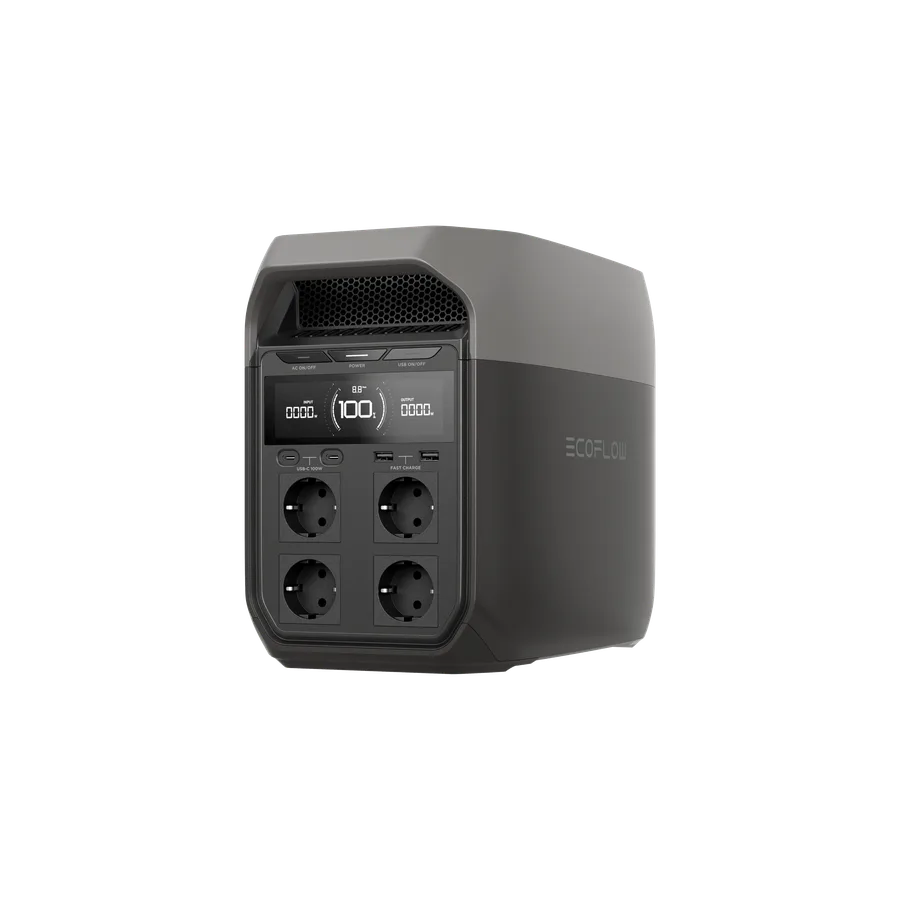
Agree who performs first setup
An importer, retailer and end customer may each expect to activate the same sample. Decide who is responsible before using an account. Follow the official setup and transfer instructions for the model, and avoid using a shared staff login as the permanent owner of customer equipment. Do not collect customer passwords in a receiving spreadsheet.
Separate local functions from cloud features
Ask which intended functions require an app, account, network or regional service. Confirm this from the exact documentation and a permitted sample demonstration. Do not describe every EcoFlow product as having the same offline behavior; capabilities and dependencies can vary across portable stations and installed energy systems.
Leave a useful support trail
Record the model, firmware version, setup status and the approved owner handover steps without storing secrets. Where a demo unit is sold, complete the manufacturer-supported account removal or transfer procedure. Give the customer a clear route for app problems and explain which party supports the hardware and which supports account access.
- Never ask a buyer to share an authentication code.
- Keep personal data out of public product records.
- Confirm the destination app and language needs.
Common buyer questions
Frequently asked questions.
Can the retailer keep a customer unit on its demo account?+
That can create ownership and privacy problems. Use the manufacturer-supported handover procedure and the customer’s authorized account arrangement rather than retaining unnecessary control.
Turn product knowledge into a precise buying request.
Tell us the destination, products, quantity, configuration and delivery requirements.