EcoFlow firmware in wholesale samples: make changes traceable
A simple change-control record helps distinguish hardware faults, configuration differences and software changes during sample approval.
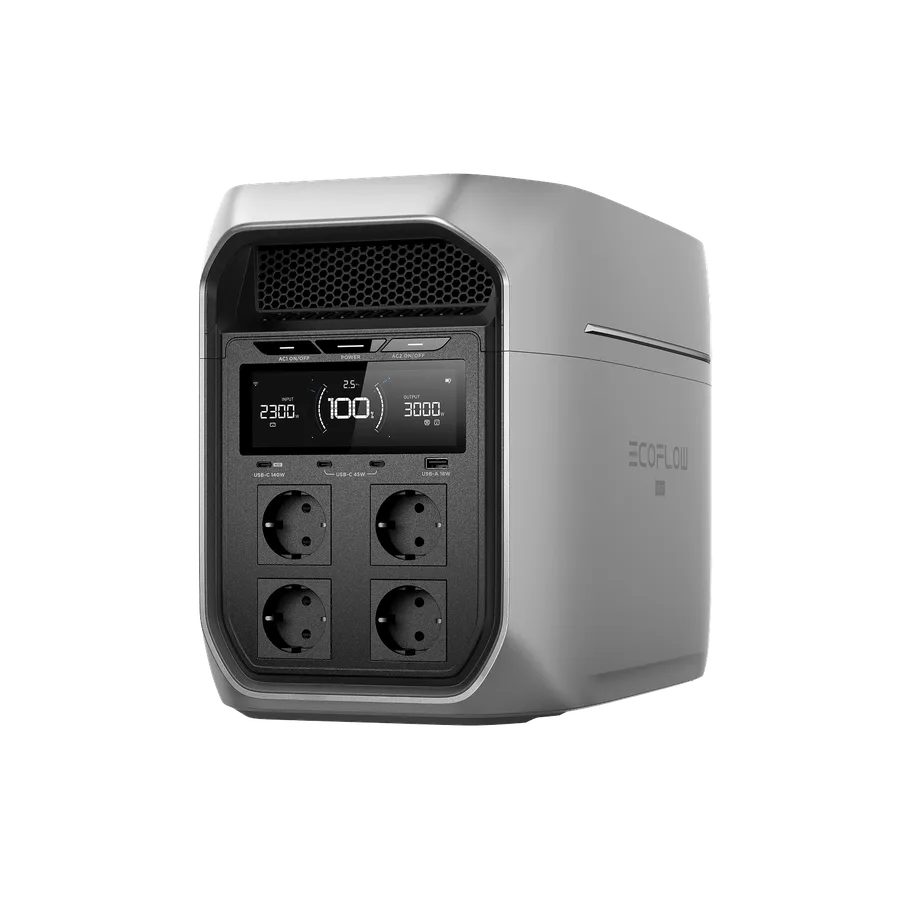
Establish the baseline first
Before evaluating a sample, record the displayed firmware and relevant settings according to the official interface. Keep the host and connected expansion component identities together. If a supplier demonstrates one configuration and ships another, a dated baseline helps explain the difference without immediately assuming defective hardware.
Update for a documented reason
Review official release information and follow the manufacturer’s update instructions. Do not improvise update files or promise that software will fix an unverified compatibility issue. Where a change is needed, schedule it so the unit can complete the process under the required conditions and without interrupting a critical application.
Repeat the affected acceptance checks
After an authorized update, confirm the functions relevant to the purchase decision and note what changed. A previous sample result may no longer describe the current settings. Keep failed or incomplete updates in the support workflow instead of repeatedly attempting undocumented recovery actions.
- Record date, version and reason.
- Do not publish unconfirmed firmware rumors.
- Keep official recovery guidance accessible to support staff.
Common buyer questions
Frequently asked questions.
Should bulk units be updated automatically on arrival?+
Not without a reviewed procedure. Determine the supported version and operational need, follow official instructions and record changes so acceptance evidence remains attributable to the delivered configuration.
Turn product knowledge into a precise buying request.
Tell us the destination, products, quantity, configuration and delivery requirements.