EcoFlow RAPID multiport chargers: quote the connected-device combination
Evaluate shared USB power with the buyer’s actual device and port arrangement instead of adding maximum single-port headlines.
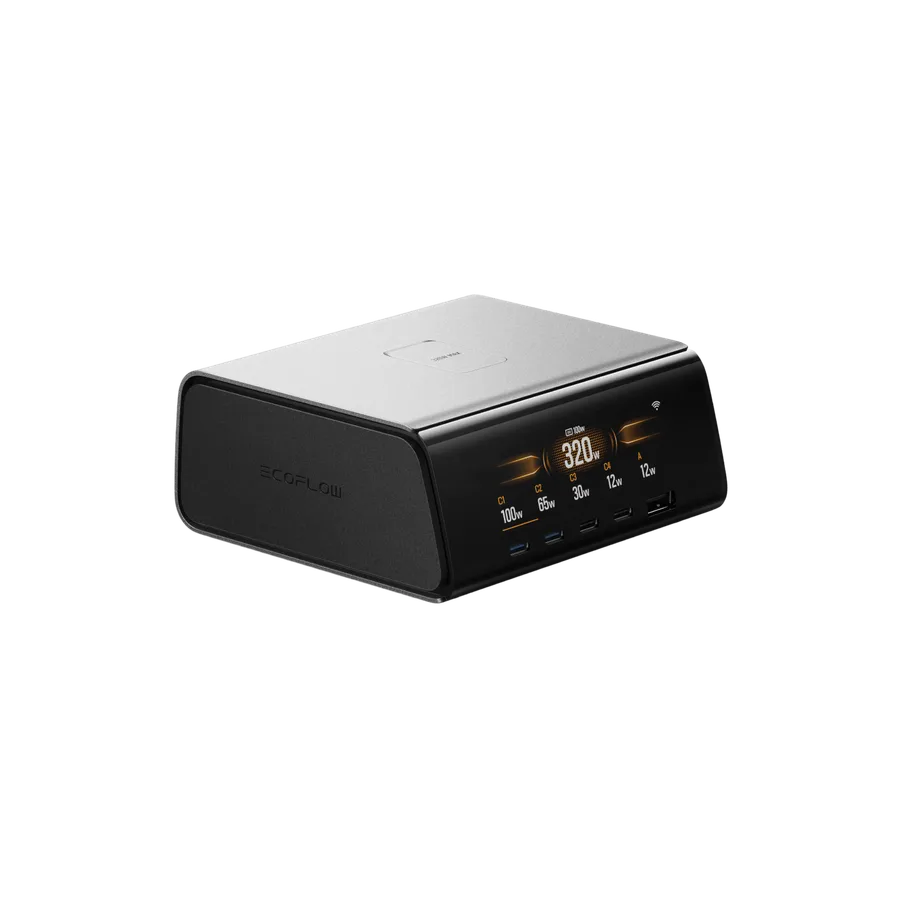
List the devices that charge together
A desktop charger’s total rating is not a promise that every port can supply its individual maximum simultaneously. Ask which laptops, phones and accessories will be connected at the same time. Record the exact charger model and consult its official port-allocation information before suggesting a replacement for several separate chargers.
Include cables in the comparison
The device, charger, cable and supported charging protocol jointly determine the result. An unsuitable cable can limit an otherwise capable combination. Record the cable model and intended port rather than testing with an unidentified lead from a drawer. Do not infer a charging speed merely because a USB-C connector fits.
Observe changes as the desk fills up
For a normal permitted sample, connect the intended devices and record the configuration. Note whether adding a device changes allocation or interrupts a workflow. Keep device state and settings comparable when discussing observed charging behavior. The goal is a workable desk setup, not a collection of isolated peak figures.
- Keep total and single-port ratings distinct.
- Document approved cable types.
- Include the correct regional mains lead or plug.
Common buyer questions
Frequently asked questions.
Can maximum ratings from different ports simply be added?+
Only the manufacturer’s supported simultaneous allocation establishes the available combination. Summing separate maximum specifications can describe a configuration the charger does not provide.
Turn product knowledge into a precise buying request.
Tell us the destination, products, quantity, configuration and delivery requirements.