An instax printer first-print checklist for sample approval
Check packaging, app setup, film pairing and an ordinary print before approving a smartphone-printer order.
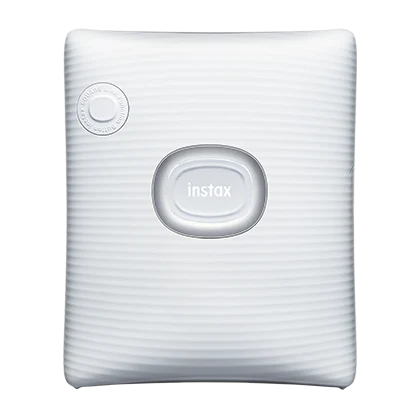
Prepare before opening film
Identify the exact printer and required film format first. Check the manufacturer instructions for setup and loading rather than improvising from another instax model. Record the phone, app and printer version used for approval. Follow the film maker’s storage and handling guidance; a damaged or poorly stored consumable can confuse a printer assessment.
Use a simple reference image
Choose an image containing faces, darker areas and lighter areas, and keep its original file. Confirm framing in the app before printing. Judge the developed print under consistent ordinary light using the manufacturer’s development guidance. This checks the workflow and obvious problems, not professional color accuracy or a guaranteed match to every phone screen.
- Verify that pairing and image transfer complete.
- Observe film ejection without pulling or forcing it.
- Record unusual marks together with film batch information.
Keep evidence useful for support
Retain a photograph of the packaging label, the setup details and the resulting print. If a problem appears, document whether it repeats using the supported procedure before requesting a replacement. Do not open the printer or propose an improvised repair as part of wholesale acceptance; escalate with the seller’s agreed support process.
Common buyer questions
Frequently asked questions.
Should the print look identical to a phone display?+
Do not make that promise. Screen brightness, image processing and the physical print medium affect the viewing experience.
Turn product knowledge into a precise buying request.
Tell us the destination, products, quantity, configuration and delivery requirements.