DJI Mic Mini charging-case orders: avoid confusing the case with a full kit
A replacement-case purchasing checklist covering model identification, package contents and receiving checks.
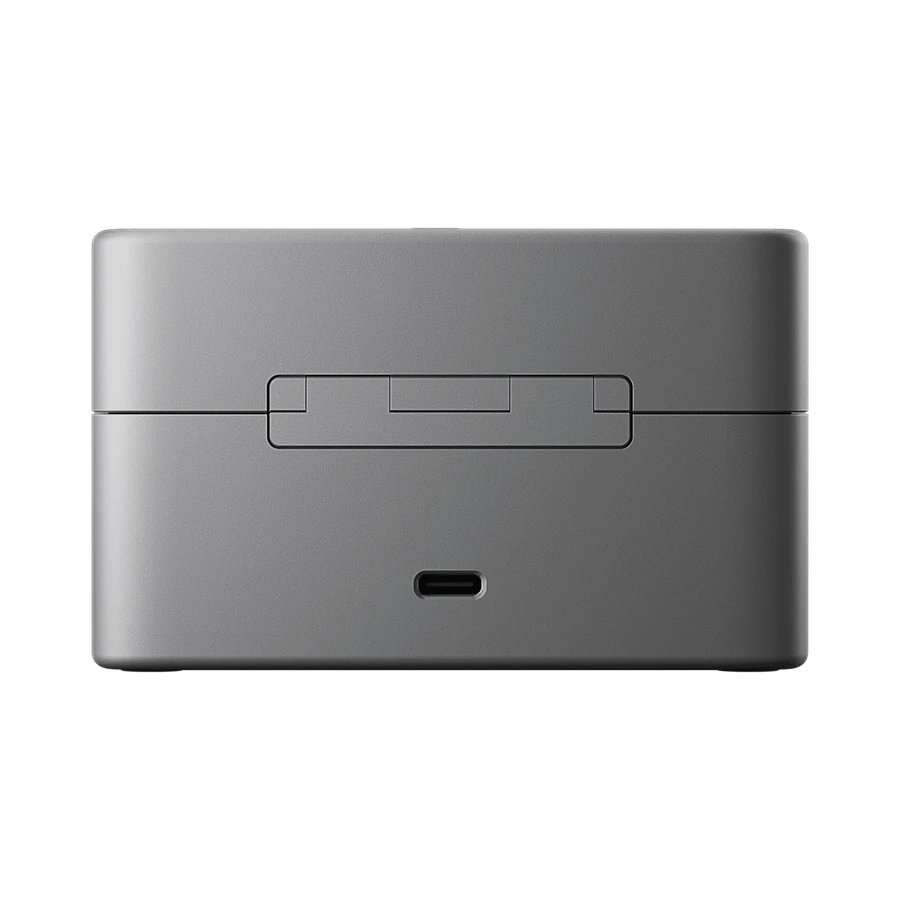
Name the replacement item precisely
A charging case can look like the main microphone-kit image while representing a very different purchase. Put “case only” in the order description when that is the intended item. Record the microphone family already owned by the customer and ask the supplier to confirm the case model rather than accepting a generic DJI microphone-case description.
Separate contents from illustrations
An illustration may demonstrate how equipment fits without establishing what is included. Ask whether transmitters, receiver, cable and pouch are included or excluded. For a service stock order, decide whether each case needs a retail box or another agreed packaging format; do not imply that a replacement part carries the same retail presentation as a full set.
- Match the supplied case against the approved reference.
- Inspect the charging contacts and lid closure.
- Test with the specifically supported microphone components.
Keep support evidence with the order
Record the sample label, supplier invoice and support terms together. If charging fails, note whether the same microphone charges through its supported alternative method. This helps distinguish a case problem from a microphone or power-source problem without making unsupported repairs. Battery-related transport information should be obtained for the actual shipped item.
Common buyer questions
Frequently asked questions.
Does a case photograph guarantee the microphones are included?+
No. Inclusion is determined by the exact ordered SKU and packing list, not by the general appearance of a product image.
Turn product knowledge into a precise buying request.
Tell us the destination, products, quantity, configuration and delivery requirements.